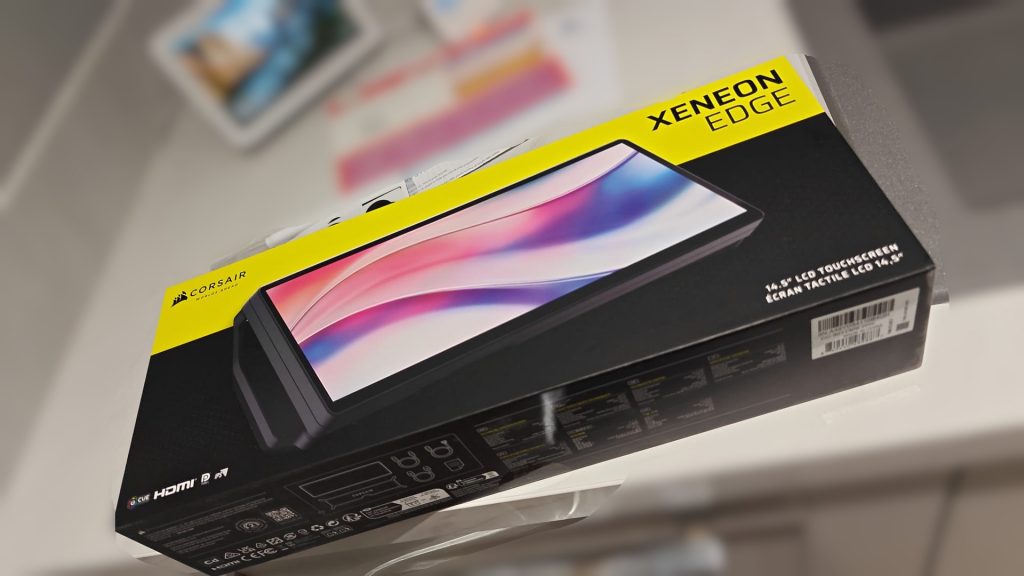
From Corsair
“Upgrade your setup with this 14.5″ display featuring a 2560×720 resolution. Mount it anywhere, with USB-C and HDMI support for versatile use.”
What have i bought now?
So, I saw this popping up on Reddit a few times and thought, that looks seriously cool. I didn’t really know what I’d do with it or how I’d use it, but I wanted one anyway. In other words—this was a classic impulse purchase.
The Corsair Xeneon Edge 14.5″ Touchscreen is a portable 14.5-inch IPS LCD display with a native resolution of 2560 × 1600 and a 165 Hz refresh rate. It supports 10-point multi-touch, DisplayPort Alt Mode over USB-C, and HDR support with up to 400 nits brightness. The screen has a 16:10 aspect ratio, 99% sRGB coverage, and weighs just under 1 kg, making it light but solid. It also includes USB-C to USB-C, USB-C to DisplayPort Alt, and HDMI to DisplayPort cables in the box, along with a metal magnetic stand that supports both portrait and landscape orientations.
Why did I choose this over other brands?
I’ve had similar gadgets before—most notably the Elgato Stream Deck (both Mini and XL versions). They’re great at what they do, but I’d often forget they were even there. After a while, I’d go straight back to my keyboard shortcuts.
This time, I figured, why not? Worst-case scenario, I’ve got a stylish little screen for controlling my music and audio. Best-case, it transforms my day-to-day workflow. I’ll add that this is being used for work, not gaming—it’s part of my daily setup, not a streamer toy.
Design, build and first impresssions
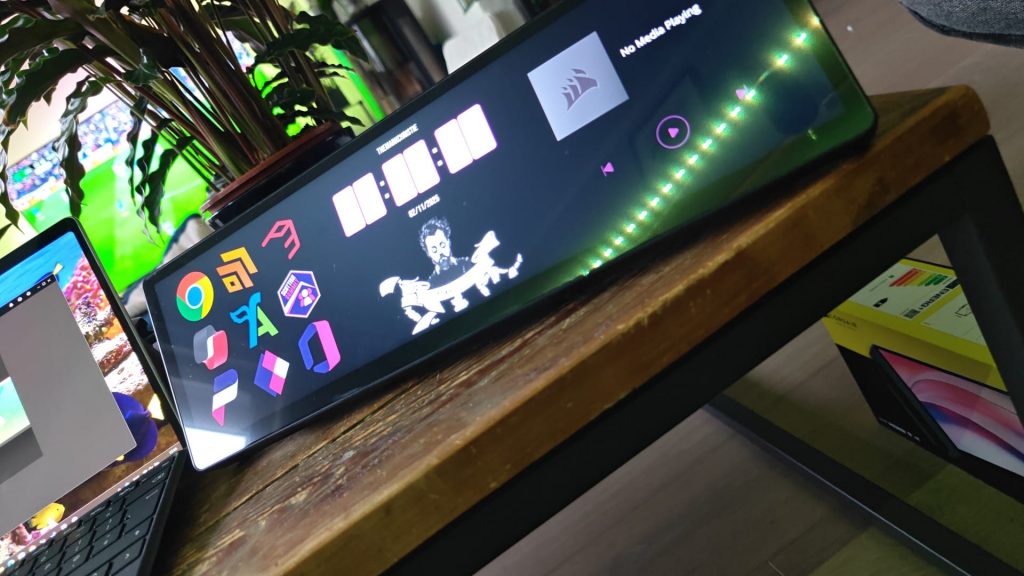
I’ll be honest—I bought mine on eBay, since Corsair was out of stock. It arrived factory-sealed, so no worries there.
Right out of the box, the build quality stood out. The screen is bright, crisp, and edge-to-edge with no chunky bezels. The aluminium chassis gives it a solid, premium feel. The stand did take me a few minutes to figure out (it connects magnetically but only in one orientation), yet once it’s on, it’s stable and clean-looking.
The included cables cover pretty much every setup: USB-C to USB-C, HDMI to DisplayPort, and USB-C to DP Alt Mode. Initially, I worried it might require DisplayPort for display and USB-C only for power—like my finicky 4K portable screen—but thankfully, the Xeneon handles full video and touch input over a single USB-C.
Overall, the presentation and packaging are first-class. It feels like a proper premium bit of kit.
What about the background software?
Gutted, Gutted, Gutted
This is where things go downhill a bit.
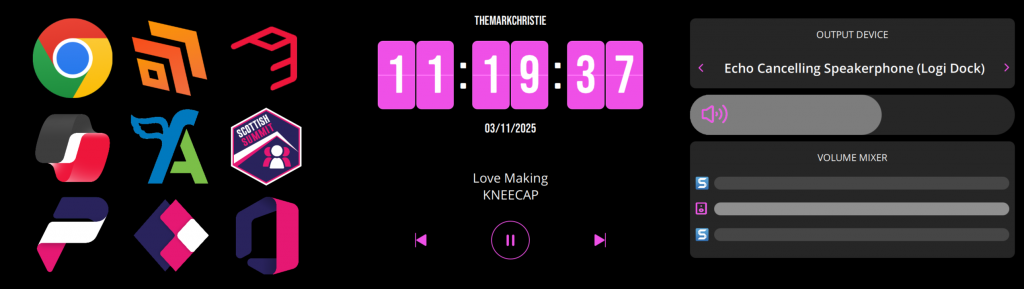
Gutted is honestly the best word for it. The hardware feels cutting-edge, but the software (Corsair iCUE) feels unfinished. It took around five attempts to pair the device, and once connected, the front-end interface only works when iCUE is actively running—which is fine, but clunky.
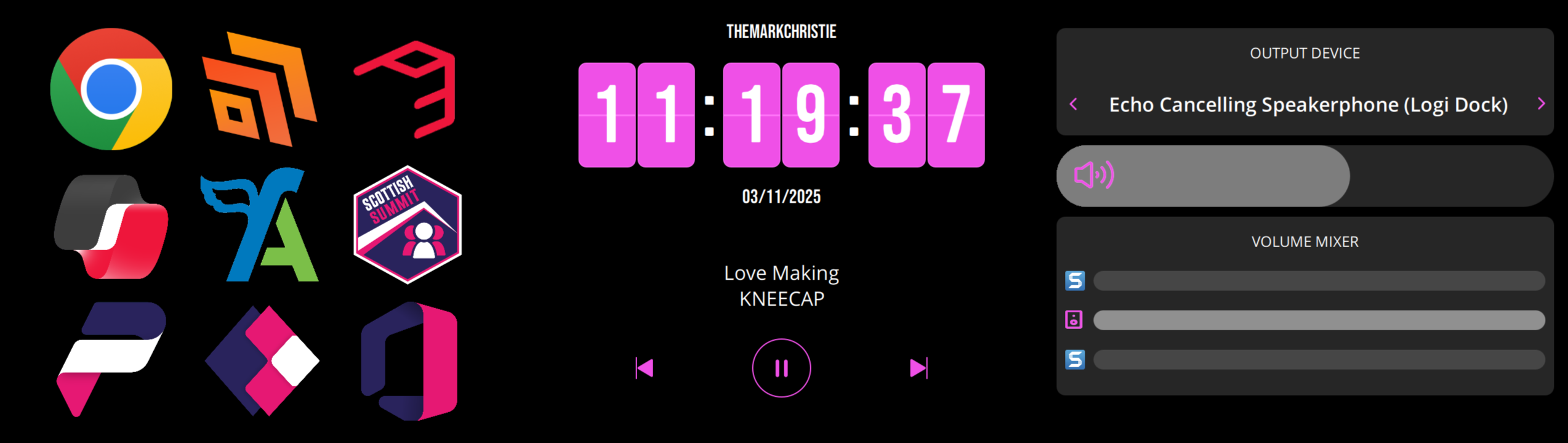
Everything on the display—buttons, widgets, shortcuts—is based on plugins or HTTP links, and there are only eight official plugins available right now. You can’t easily write your own integrations, and apps installed from the Microsoft Store can’t be targeted unless they’re standalone .exe files.
You can customise colours, fonts, and layouts easily, but none of that compensates for the lack of flexibility or automation.
The real frustration for me is that every time I power on my Surface Pro X, I have to manually tell Windows where each display sits—Surface screen, Samsung G8, and now the Corsair. It gets old quickly and honestly makes me less inclined to use it.
Overall ratings and verdict
There’s no denying that Corsair nailed the hardware. The Xeneon Edge feels like a high-end monitor in miniature form: fantastic screen quality, top-tier build, and clever industrial design.
But the software really holds it back. I know it’s a new product, and there’s clearly potential here—but when you compare it to something like the Stream Deck, it just doesn’t come close in terms of functionality or maturity.
For now, it’s become a very nice micro-display for showing the first 20 rows of a 15-column Excel sheet. Great hardware, half-baked software.
3 Month follow up
Let’s see
Where to buy
Not an affiliate link
Corsair Directly